Form Filling

Form Filling lets Subagents gather consistent structured inputs for workflows such as intake, support, and onboarding.
When to use this tool
- Lead qualification
- Support intake
- Application collection
Configuration
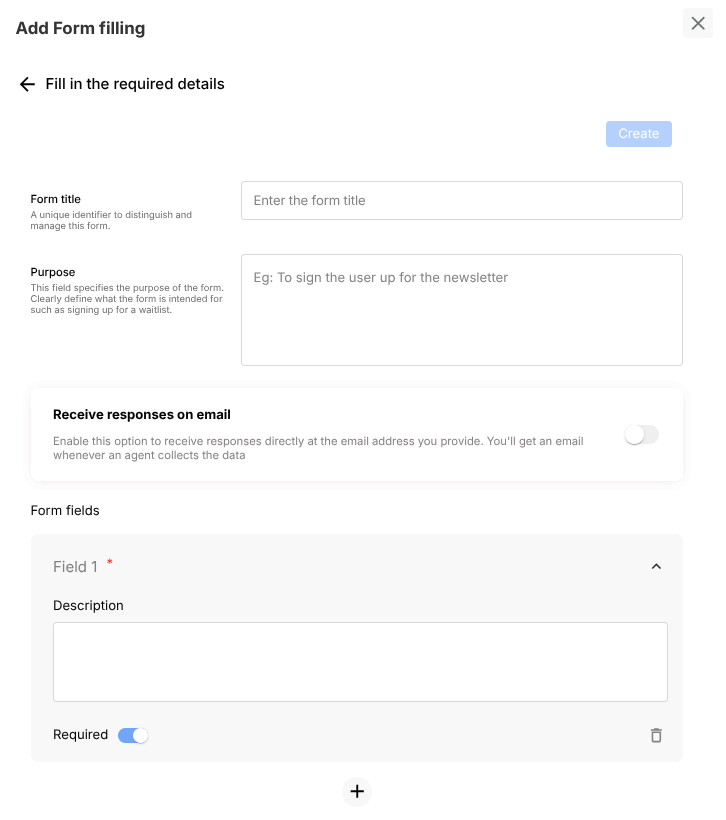
- Define form title and purpose
- Add fields with required/optional flags
- Enable response notifications if needed
Example usage
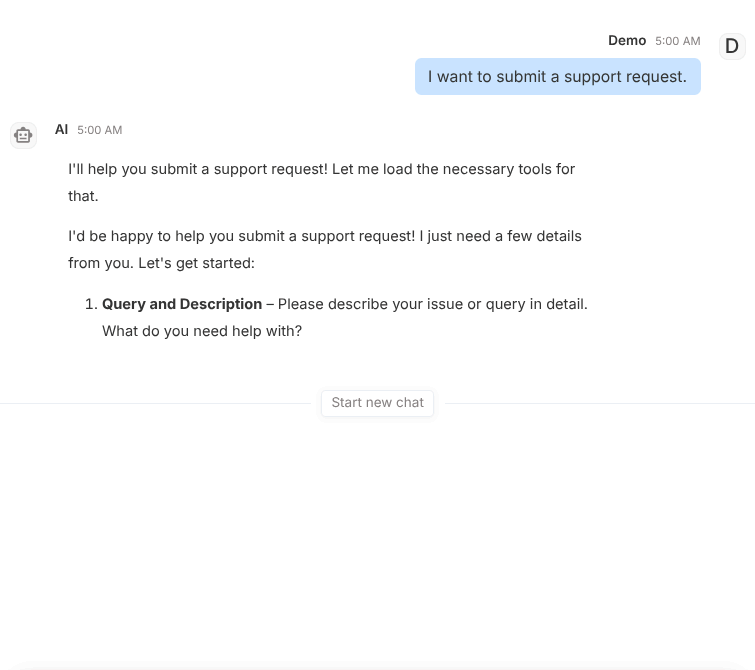
User prompt:
I want to submit a support request.
Expected behavior:
- Asks each field in sequence
- Validates required fields
- Stores structured submission data
Validation checklist
- Confirm tool is attached to correct Subagent
- Test both success and failure path in Preview
- Verify deployed behavior in Interact for real user phrasing
Common issues
- Too many required fields lowers completion rate
- Ambiguous field descriptions cause user confusion
Best practices
- Keep required fields minimal
- Write short field descriptions with examples where needed