Browser

Browser allows Subagents to navigate and read page content when answers require targeted web extraction.
When to use this tool
- Website content extraction
- Public page verification
- Dynamic lookup from known URLs
Configuration
- Specify trusted domains/sources
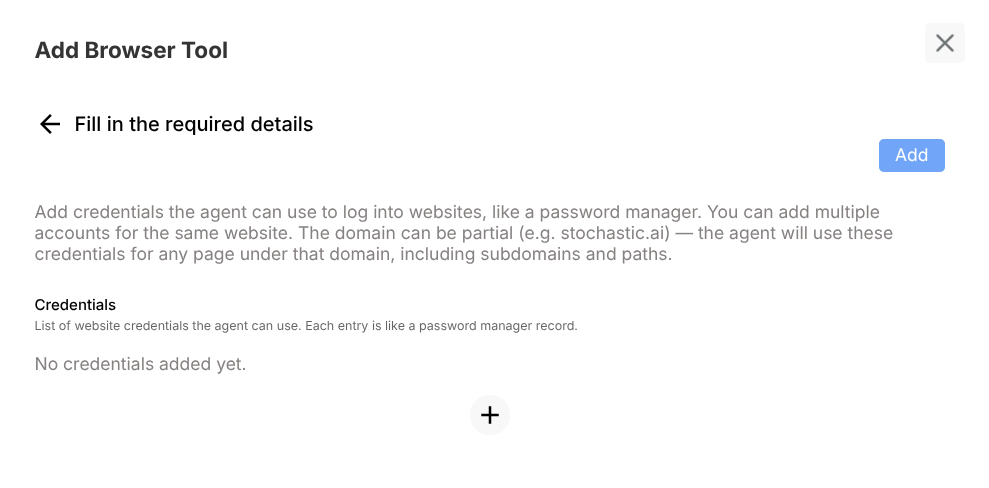
- Configure auth if protected pages are required
- Define extraction boundaries
Example usage
User prompt:
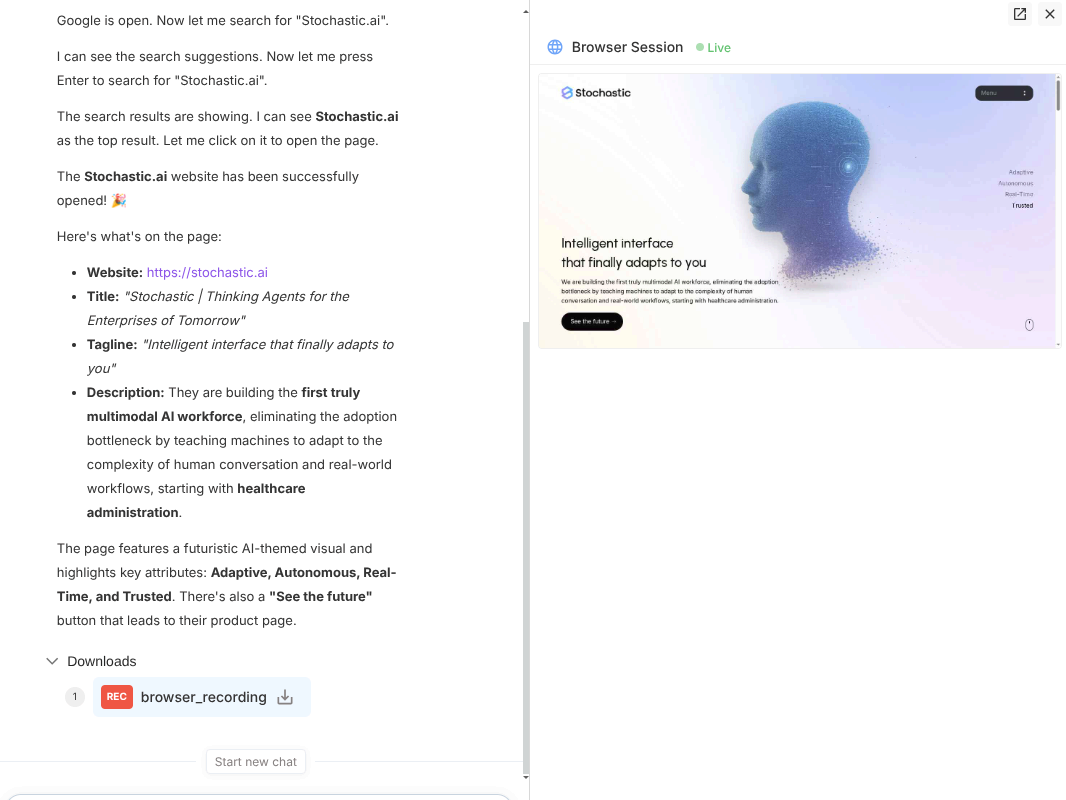
Open page after searching Stochastic.ai
Expected behavior:
- Accesses specified page(s)
- Extracts requested details
- Returns concise structured findings
Validation checklist
- Confirm tool is attached to correct Subagent
- Test both success and failure path in Preview
- Verify deployed behavior in Interact for real user phrasing
Common issues
- Restricted pages fail without auth config
- Broad extraction requests return noisy output
Best practices
- Constrain to known domains
- Ask for specific fields instead of open-ended scraping