Account Setup
1) Sign up
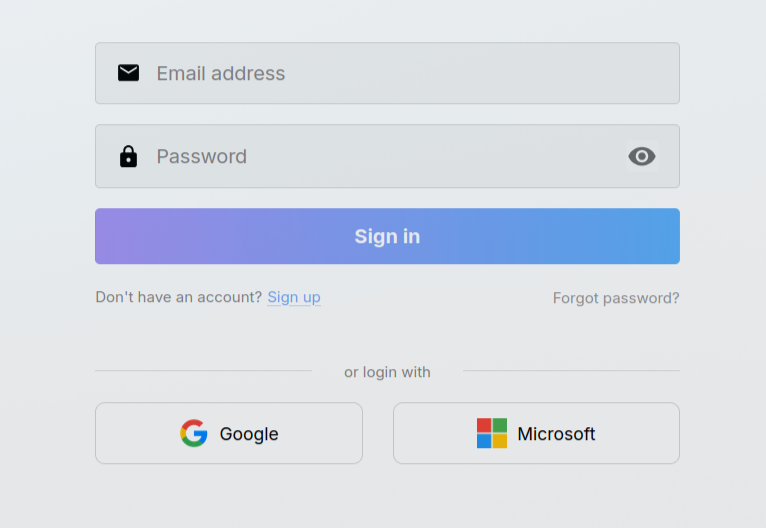
- Go to xmagic.ai/login
- Click Sign up
- Enter email + password
- Verify email from inbox link
- Complete initial onboarding
Password expectations
Use a strong password with:
- minimum length,
- numeric characters,
- symbols,
- no reused credentials from other services.
2) Login methods
xMagic supports multiple sign-in options depending on workspace policy.
| Method | Best for |
|---|---|
| Email + password | Standard individual access |
| Google OAuth | Fast SSO with Google account |
| Microsoft OAuth | Entra ID / Microsoft-based orgs |
tip
Workspace admins can restrict allowed sign-in methods for compliance.
3) First-time onboarding flow
Typical onboarding includes:
- Set display name
- Upload avatar
- Name workspace
- Confirm initial preferences
4) Profile management
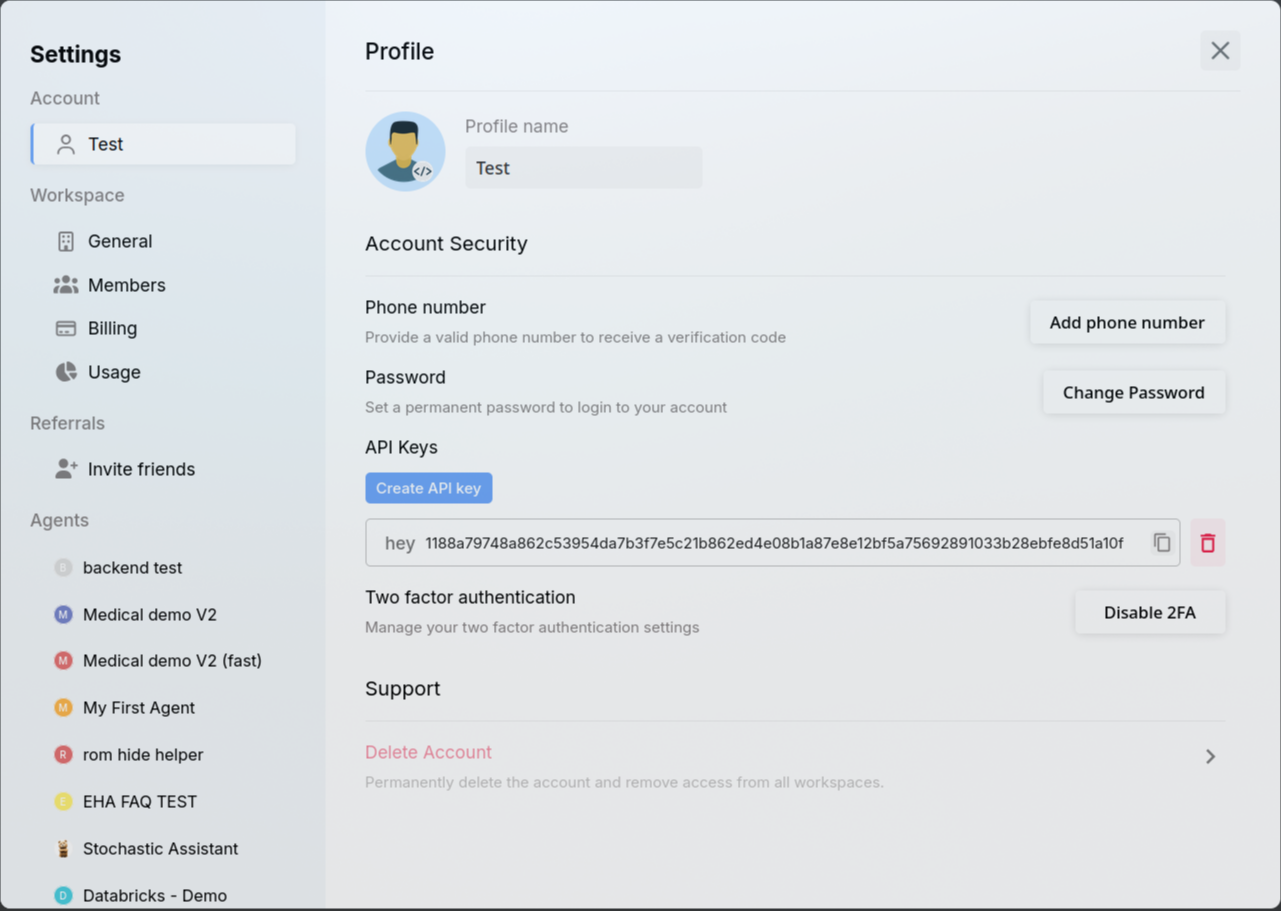
Path: Avatar → Settings → Profile
You can manage:
- display name,
- password,
- API keys,
- account deletion controls.
5) API key management
API keys allow programmatic access to xMagic endpoints.
Create key
- Open Profile → API Keys
- Click Create new key
- Name the key by use case
- Copy key immediately (one-time visibility)
Use key
Send in request headers as:
x-api-key: <your_key>
Rotate and revoke
- Rotate keys regularly
- Revoke unused keys immediately
- Use separate keys per environment/use case
6) Logout and session safety
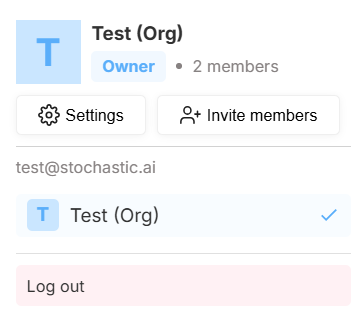
To sign out:
- Open avatar/workspace menu
- Click Log out
Recommended:
- log out from shared devices,
- avoid storing credentials in plain text,
- review account activity periodically.
7) Common setup issues
Didn’t receive verification email
- check spam/promotions folders,
- confirm email address typo-free,
- retry verification link send.
OAuth login fails
- confirm correct Google/Microsoft account,
- check tenant restrictions (for Microsoft orgs),
- ask admin if SSO method is disabled.
Can login but can’t access expected features
Likely role privilege issue. Check Workspace → Privileges with your admin.
8) Account security best practices
- Use MFA if your org policy supports it
- Prefer SSO in enterprise environments
- Rotate passwords/API keys periodically
- Don’t share credentials between users
- Use least privilege for member roles
9) Invite teammates
From Settings, use member/invite flows to onboard teammates and assign correct role privileges.
For controlled growth, define role templates before inviting large teams.