🔐 Login Methods
xMagic supports multiple authentication flows and lets workspace admins restrict sign‑in methods for added security.
1 Sign‑In options
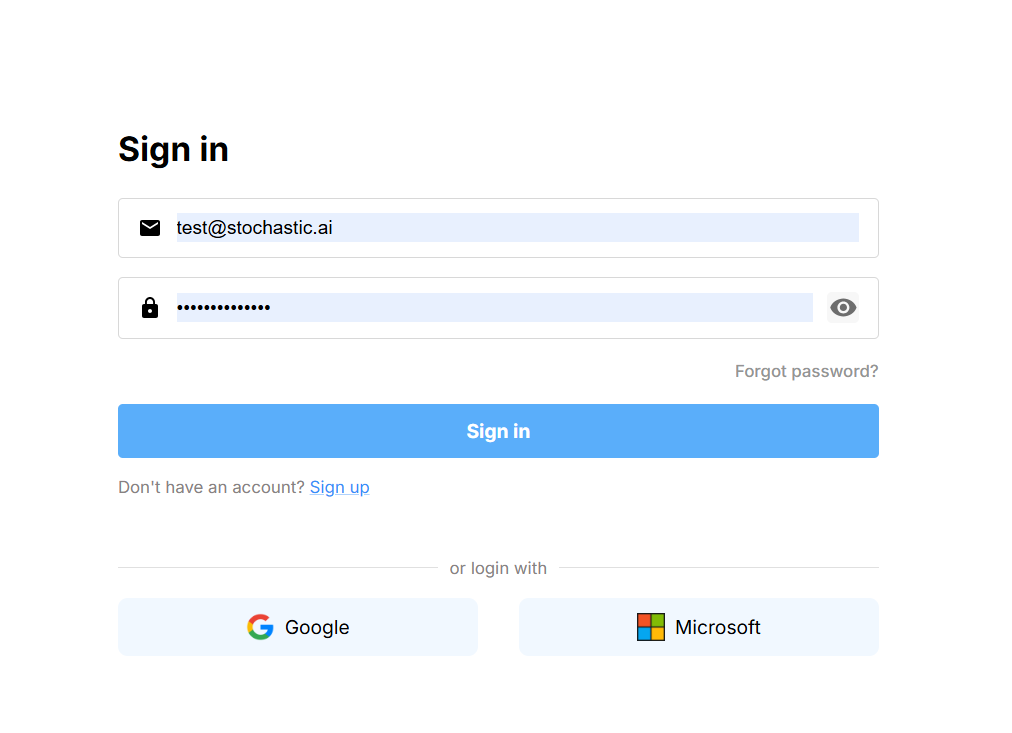
| Method | How it works |
|---|---|
| Email & password | Enter your credentials and click Sign in. Passwords must be at least 8 chars and include a number & symbol. |
| Google OAuth | Choose Google and select the Google account tied to your xMagic workspace address. |
| Microsoft OAuth | Same flow as Google but with your Microsoft/Entra ID. |
2 Logging out
- Click your avatar in the upper‑left corner.
- Choose Log out at the bottom of the dropdown.
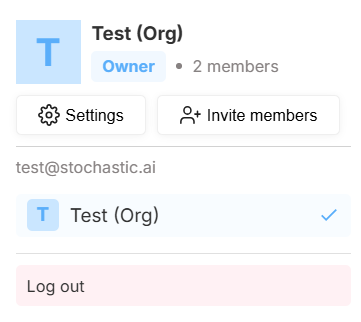
Logging out invalidates the current session token on all devices.
Need help? Head to Contact Support.